

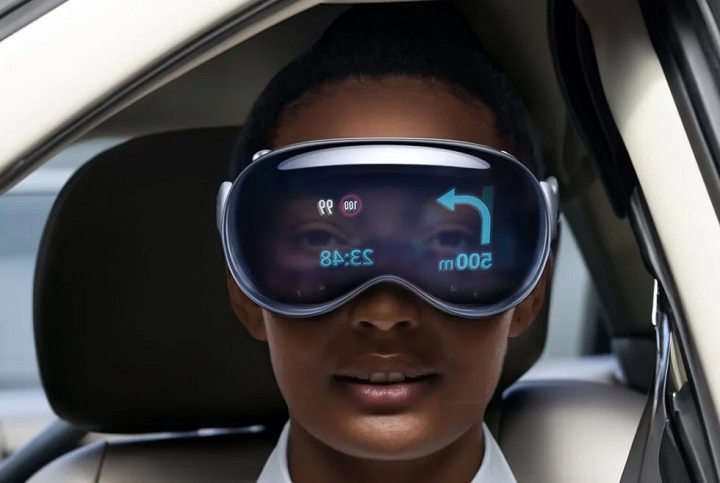
Apple Vision Pro is one of the most advanced mixed reality headsets on the market, blending augmented reality (AR) and virtual reality (VR) into a single, powerful wearable experience. But as this futuristic device hits the consumer market, one question is causing a lot of buzz: Can you use Apple Vision Pro while driving? The short answer? No, and here’s why.
Apple Vision Pro: Immersive, Not Meant for the Road
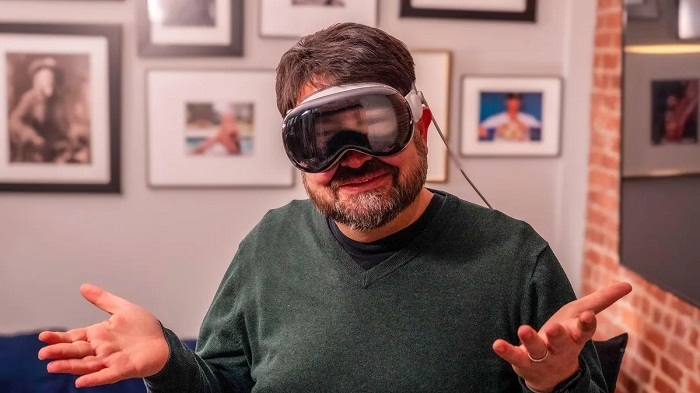
Apple Vision Pro is built for immersive tasks—think 3D media, multitasking with multiple virtual screens, and digital communication through AR overlays. It’s not designed for activities requiring full awareness of your physical surroundings, like operating a vehicle.
Even though Vision Pro uses passthrough video to show the real world, it still:
- Blocks peripheral vision.
- Introduces latency or motion blur.
- Distracts your attention with digital overlays.
That makes it a major safety risk while driving.
What Apple Says About Driving with Vision Pro
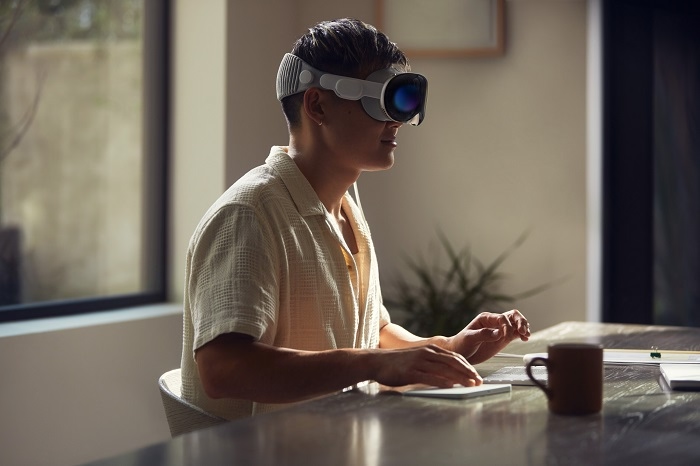
Apple explicitly states in its safety guidelines that Apple Vision Pro should not be used while operating a moving vehicle, bicycle, or heavy machinery. The headset is meant for stationary or low-movement environments like:
- Sitting at a desk
- Relaxing at home
- Controlled environments like a plane or train (as a passenger only)
Why Vision Pro Can Be Dangerous Behind the Wheel
- Reduced Situational Awareness
Even though it offers real-world visuals, the headset limits your ability to detect quick motion, side vehicles, or changing road signs. - Cognitive Overload
Your brain must process both the real world and layered digital content. That’s too much input while driving and can delay your reaction time. - Limited Field of View
Unlike a windshield, the headset narrows your view to what’s directly in front of you. Important side visuals—like pedestrians or vehicles in blind spots—can be missed. - Interference with Emergency Response
In case of a crash or emergency, first responders may find it harder to assess your condition or assist you if you’re wearing a mixed reality headset.
Is It Legal to Use Apple Vision Pro While Driving?
Most jurisdictions currently lack specific laws targeting headsets like Vision Pro—but existing traffic laws already cover distracted driving. In many countries and U.S. states, anything that diverts your attention from the road is considered illegal or dangerous driving.
So while there may not be a Vision Pro-specific law yet, using it while driving could still lead to:
- Traffic tickets
- Fines
- Liability in case of accidents
- Insurance claims being denied
Can Passengers Use Vision Pro in Cars?
Yes, passengers are free to use Apple Vision Pro while riding in a car, especially for:
- Watching movies in immersive mode
- Browsing the web
- Taking FaceTime calls
However, they should still be mindful of motion sickness or disorientation in a moving vehicle.
Safer Alternatives for Navigation or Media While Driving
If your goal is to use Apple technology safely behind the wheel, consider these instead:
- CarPlay for navigation and hands-free controls
- Siri voice commands for media or messaging
- Apple Watch for subtle alerts and health monitoring
Could Apple Vision Pro Ever Be Used in Driving in the Future?
While it’s not safe today, future updates might change that. Apple could eventually:
- Build a “Driving Mode” that limits distractions
- Partner with automakers for integrated windshield AR (like a heads-up display)
- Include external cameras or AI assistants to enhance safety
But until then, the headset is best left off while you’re driving.
Apple Vision Pro is a marvel of technology, but driving is one scenario where it simply doesn’t belong. The risks far outweigh the benefits, and Apple itself discourages any use behind the wheel. Keep your focus on the road, and save your immersive digital experiences for when you’re safely parked—or not driving at all.