

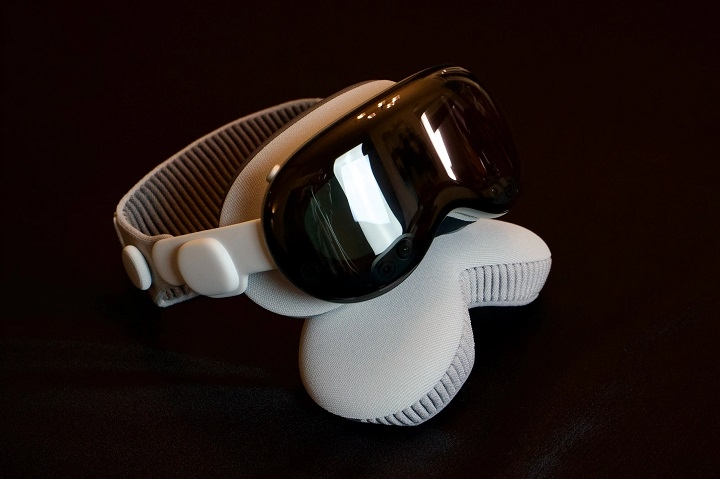
The Apple Vision Pro has taken spatial computing to new heights, blending digital and physical environments seamlessly. For fans of immersive virtual reality content, the big question is: Can you use DeoVR with Apple Vision Pro? The answer is promising—with the right setup, you can enjoy high-quality 180° and 360° VR videos using DeoVR on Apple’s most advanced headset.
This guide walks you through everything you need to know about DeoVR and Apple Vision Pro, how to set it up, what to expect, and the limitations to be aware of.
What is DeoVR?
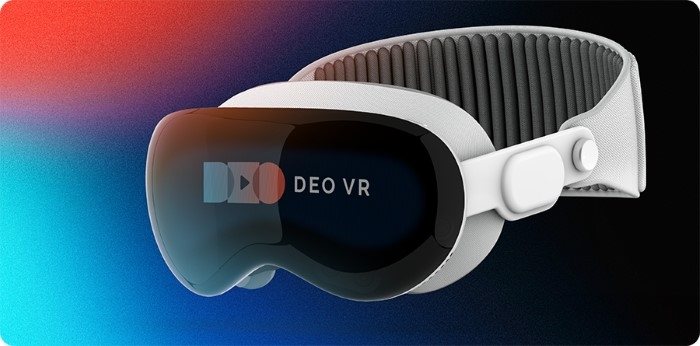
DeoVR is one of the most popular VR video players available, known for its support of high-resolution 180° and 360° video playback. It’s widely used across platforms like Oculus, HTC Vive, and Windows Mixed Reality for its ability to stream or load immersive videos with dynamic head tracking.
Key features of DeoVR include:
- Support for 4K, 6K, 8K video playback
- 3D stereoscopic and monoscopic support
- High frame rate compatibility
- Network streaming via URL or local file playback
- Subtitle and controller integration
Apple Vision Pro: A New Era in Spatial Computing
Launched as Apple’s first mixed-reality headset, the Apple Vision Pro focuses on spatial video, augmented reality (AR), and virtual reality (VR). With its ultra-high-resolution displays, precise eye tracking, and hand gesture control, it provides a highly immersive visual experience.
The Vision Pro supports:
- VisionOS apps from the App Store
- High-quality 3D movies and spatial video
- Web-based VR content (WebXR) through Safari
- Compatibility with macOS apps via screen casting
However, it does not currently support all native VR apps like those on Meta Quest or SteamVR.
Can You Use DeoVR on Apple Vision Pro?
As of now, DeoVR does not have a native app for VisionOS. That means you cannot download and install it directly from the App Store like you would on Meta Quest or PCVR headsets.
However, there are a few workarounds that let you use DeoVR content or similar VR video playback on the Apple Vision Pro. Here’s how.
How to Watch DeoVR Content on Apple Vision Pro
Use the Safari Browser and WebXR
If you have DeoVR videos hosted online or use a streaming site compatible with WebXR:
- Open Safari on Vision Pro
- Navigate to your WebXR or DeoVR-supported streaming site
- Play the video in full-screen or immersive mode
- Use pinch and swipe gestures to control the environment
While this doesn’t offer the full DeoVR app experience, it still lets you enjoy immersive content in a 3D environment using Vision Pro’s spatial video capabilities.
Cast DeoVR from Mac via AirPlay or Screen Sharing
If you already use DeoVR on your Mac, you can cast your screen into Vision Pro using Mac Virtual Display.
Steps:
- Open DeoVR on your Mac
- Wear the Vision Pro and enable Mac Virtual Display
- Mirror your Mac screen inside Vision Pro
- Launch your video in DeoVR and go fullscreen
This method won’t provide native 6DoF head tracking, but it allows you to view 180° or 360° content with excellent resolution.
Use Spatial Video Converters
You can also convert DeoVR-compatible videos into Apple’s spatial video format using editing tools like Final Cut Pro and then:
- Sync the video to your iCloud Photos
- Play it in Photos or Apple TV app in immersive view
This isn’t a real-time interactive method like DeoVR but gives you a great high-res experience on Apple Vision Pro.
Best File Formats for DeoVR Videos on Vision Pro
If you plan to upload or stream videos, use the following formats for the best compatibility:
| Format | Supported | Notes |
| MP4 (H.264/265) | ✅ | Best for streaming via browser or AirPlay |
| MOV | ✅ | Use for spatial video conversion |
| MKV | ⚠️ | May require conversion before use |
| WebM | ⚠️ | Not always compatible with Safari |
For stereo or 3D content, use top-bottom or side-by-side formats.
Limitations of Using DeoVR on Apple Vision Pro
While Apple Vision Pro is a powerful spatial device, it’s not yet a full replacement for dedicated VR headsets like Meta Quest when it comes to custom VR apps like DeoVR.
Current limitations include:
- No native DeoVR app on VisionOS
- Limited support for external VR controllers
- Limited access to third-party app stores or sideloading
- Some immersive functions (like 6DoF interaction) may not be available in browser or mirrored modes
However, Apple is constantly expanding its developer ecosystem, and a native DeoVR app may emerge in future updates.
Alternatives to DeoVR for Apple Vision Pro
Until DeoVR launches a native VisionOS app, consider these alternatives:
VLC Media Player for Vision Pro
- Compatible with a wide range of file formats
- Offers 3D and immersive playback in spatial mode
Moon VR Player (Web-Based)
- Streams panoramic videos through a browser
- Compatible with top-bottom and SBS formats
Apple TV App
- Play spatial movies or 3D converted DeoVR content
- Great for high-quality but passive VR watching
How DeoVR Compares with Other VR Players
| Feature | DeoVR | VLC (Vision Pro) | Apple TV (Vision Pro) |
| Native VisionOS App | ❌ | ✅ | ✅ |
| 180°/360° Video | ✅ | ✅ | Limited |
| Streaming URLs | ✅ | ❌ | ❌ |
| 3D Support | ✅ (full) | ✅ (limited) | ✅ (pre-converted) |
| Controller Support | ✅ (on PCVR) | ❌ | ❌ |
DeoVR remains ideal for serious VR video users, while VLC and Apple TV are good alternatives for Vision Pro until native support arrives.
FAQs
Can I install DeoVR on Apple Vision Pro?
No, there is no native DeoVR app available yet for VisionOS. You can use workarounds like browser playback or Mac screen sharing.
Can I stream 3D videos on Vision Pro?
Yes, using Safari or by converting DeoVR videos to spatial video format and playing through Apple TV or Photos app.
Is DeoVR planning to support Apple Vision Pro?
As of now, there is no confirmed app release, but DeoVR developers may expand support based on Apple Vision Pro’s growing popularity.
What’s the best way to play immersive videos on Vision Pro?
Use Safari for WebXR, mirror from a Mac, or convert videos into spatial format for playback in the Apple TV app.
Are there any risks in casting DeoVR to Vision Pro?
No major risks, but casting may reduce interactivity and responsiveness compared to native VR platforms.