

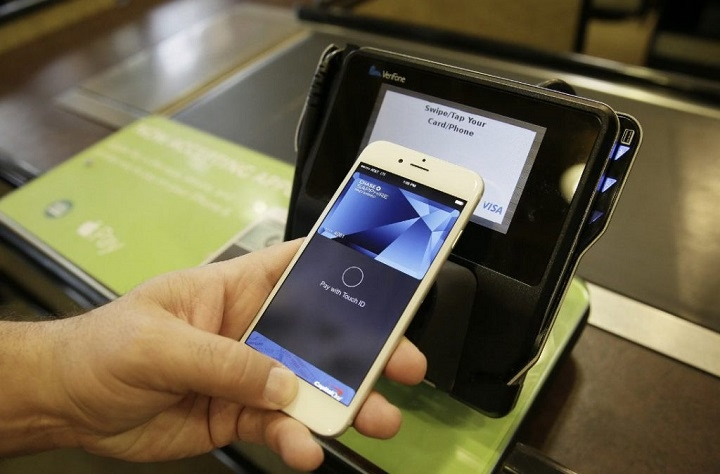
If you’re heading to Food Lion and prefer using Apple Pay for a quick, contactless checkout, you might be wondering: Does Food Lion take Apple Pay? The answer is yes—Food Lion accepts Apple Pay at all of its in-store checkout terminals. This means you can tap your iPhone or Apple Watch and be on your way without ever pulling out your wallet.
Here’s everything you need to know about using Apple Pay at Food Lion, including where it’s accepted, how to use it, and a few things to watch out for.
Does Food Lion Accept Apple Pay?
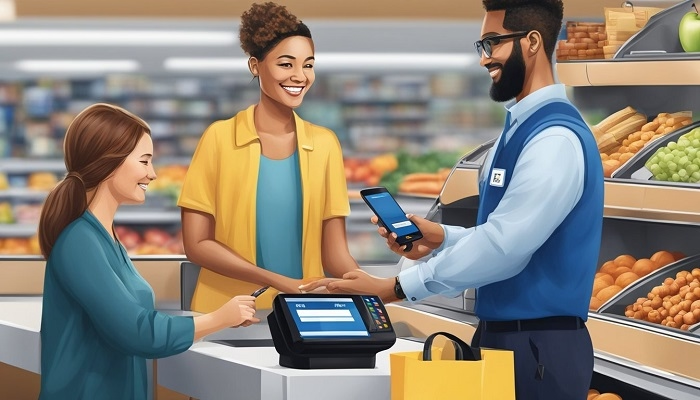
Yes, but only in-store
Food Lion supports Apple Pay at its physical retail stores. Whether you’re shopping for groceries, deli items, or pharmacy essentials, you can use your iPhone or Apple Watch to complete the payment process.
You’ll see the contactless payment symbol at the register—indicating that the terminal is ready to accept digital wallets like Apple Pay.
How to Use Apple Pay at Food Lion
Using Apple Pay at Food Lion is quick and simple:
- Load your credit or debit card into the Apple Wallet app
- At checkout, hold your iPhone or Apple Watch near the contactless reader
- Use Face ID, Touch ID, or your passcode to authorize the payment
- Wait for the confirmation message and receipt—done!
There’s no need to unlock your phone or open an app manually; the Wallet will appear automatically when you’re near the payment terminal.
Can You Use Apple Pay with Food Lion Online?
No, not at this time
If you use Food Lion To Go (their online ordering and grocery pickup service), Apple Pay is not supported for online transactions. You’ll need to use a traditional payment method such as:
- Credit or debit card
- Food Lion gift card
- EBT (if available in your area)
This limitation applies to both website and mobile app orders.
Apple Pay at Self-Checkout
Yes, you can also use Apple Pay at self-checkout lanes in most Food Lion stores. Just follow the prompts on the screen, select a payment method, and tap your Apple device to the contactless reader when prompted.
Make sure the store terminal supports contactless payments—some very old systems might not, but most have been upgraded.
Other Digital Wallets Accepted
In addition to Apple Pay, Food Lion also accepts other popular contactless payment options, including:
- Google Pay
- Samsung Pay
These can also be used for secure and fast payments at checkout, offering flexibility based on the device you use.
Benefits of Using Apple Pay at Food Lion
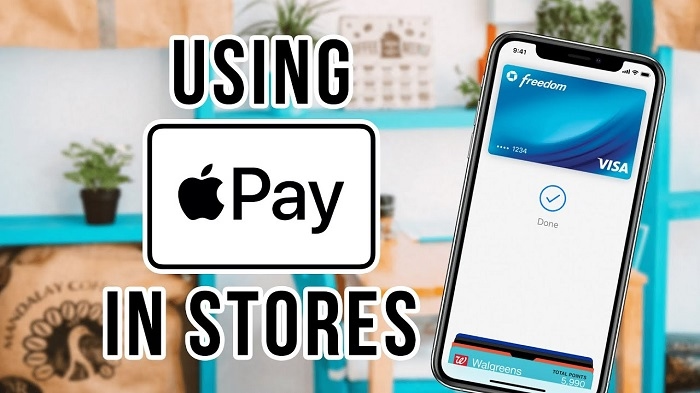
Why use Apple Pay instead of a card or cash? Here are some key advantages:
| Benefit | Description |
| Speed | Complete payments in seconds |
| Contactless Safety | No need to touch card readers or hand over a card |
| Privacy | Your card number is never shared with the store |
| Convenience | Works with iPhone and Apple Watch, even when your wallet’s at home |
| Security | Uses encryption and biometric ID for secure authorization |
How to Set Up Apple Pay Before You Shop
If you haven’t already added a card to Apple Wallet:
- Open the Wallet app on your iPhone
- Tap the “+” symbol
- Follow the prompts to add your credit or debit card
- Verify the card with your bank (usually via text or app)
Once added, you’re ready to pay in-store, online (where supported), and in apps that allow Apple Pay.
What to Do If Apple Pay Doesn’t Work at Food Lion
If your Apple Pay transaction fails at the register:
- Double-check your card is active and supported by Apple Pay
- Ensure NFC is enabled (it is by default)
- Try holding your iPhone closer to the terminal
- If all else fails, use your physical card as a backup
Sometimes issues occur due to outdated terminals or connection errors.
FAQs
Does Food Lion accept Apple Pay in-store?
Yes, Food Lion accepts Apple Pay for all in-store purchases at staffed and self-checkout registers.
Can I use Apple Pay on the Food Lion mobile app or website?
No. Apple Pay is not supported for online orders through Food Lion To Go.
Is Apple Pay accepted at all Food Lion locations?
Yes, nearly all Food Lion stores have contactless-enabled payment terminals compatible with Apple Pay.
Can I use Apple Pay at Food Lion’s pharmacy?
Yes. Apple Pay can be used in all departments that accept regular debit or credit card payments.
Does Food Lion accept other contactless payments like Google Pay?
Yes, Food Lion also accepts Google Pay and Samsung Pay at most locations.