

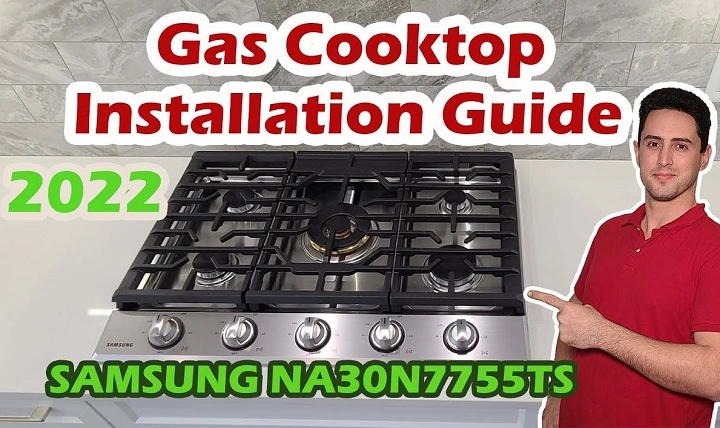
You’re ready to cook dinner, but your Samsung cooktop won’t turn on. Whether it’s completely unresponsive or just one burner won’t work, this kind of issue can be frustrating and inconvenient. Fortunately, many cooktop power issues are caused by things you can troubleshoot yourself before calling for repairs.
Check the Power Supply
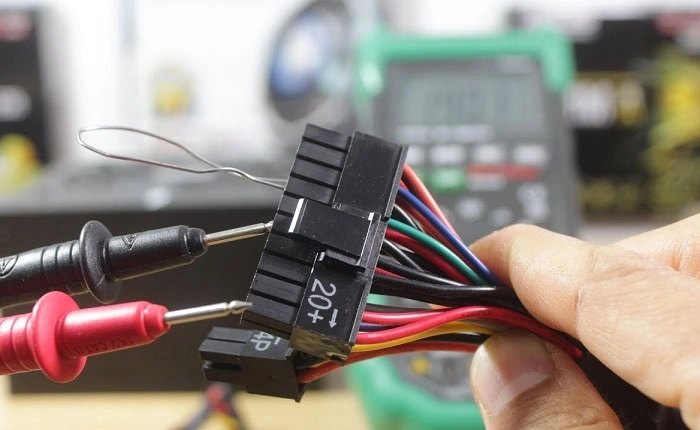
The first thing to check is whether the cooktop is getting power at all. Samsung cooktops—whether induction or electric—rely on a dedicated electrical connection, not just a simple plug-in cord.
Start by confirming:
- The circuit breaker hasn’t tripped. Look in your home’s electrical panel and reset the breaker for the cooktop if needed.
- The cooktop is properly connected to power. Some models are hardwired and may require a technician to inspect the wiring.
- There’s no power outage in your area.
Even a brief power disruption can cause the cooktop’s control board to stop responding until reset.
Try a Power Reset
Just like a computer, a Samsung cooktop might need a quick reset to clear any minor software hiccups.
Here’s how to do it:
- Turn off the circuit breaker connected to the cooktop.
- Leave it off for 60 seconds.
- Turn it back on and try powering the cooktop again.
This can often fix problems where the controls are unresponsive or the unit appears completely dead.
Touch Controls Not Responding
Most Samsung cooktops use touch-sensitive controls, which can occasionally become unresponsive due to moisture, grime, or even poor grounding.
Try the following:
- Make sure your fingers and the control panel are dry.
- Clean the surface with a soft, damp cloth and then dry thoroughly.
- Ensure no objects (like pans or towels) are resting on or near the control panel.
- Check for a “Control Lock” feature. If this is turned on, it may appear that the cooktop isn’t working. Hold down the lock button (usually labeled with a key icon) for 3–5 seconds to unlock it.
Check for Error Codes
Many Samsung cooktops will display error codes if something isn’t right. These codes can usually be found on the digital display and might flash along with a beep.
Some common ones include:
- C-d0 / C-d1 / C-d2: Touch panel issues.
- E followed by a number: Electrical faults or internal errors.
- L: Control lock is activated.
Refer to your user manual to identify what the code means, or look it up on Samsung’s official support site.
Induction Cooktop Specific Issues
If you’re using a Samsung induction cooktop, make sure you’re using compatible cookware. Induction cooktops only work with pots and pans that have a magnetic base.
Also check:
- That the cookware is centered on the cooking zone.
- The pan size matches the burner size.
- The pan is not warped or lifted from the surface.
- The cooktop isn’t detecting an empty pan (which some models refuse to heat).
If the induction zones still don’t activate, even with proper cookware, the issue may be internal and require service.
Burner Not Heating Up
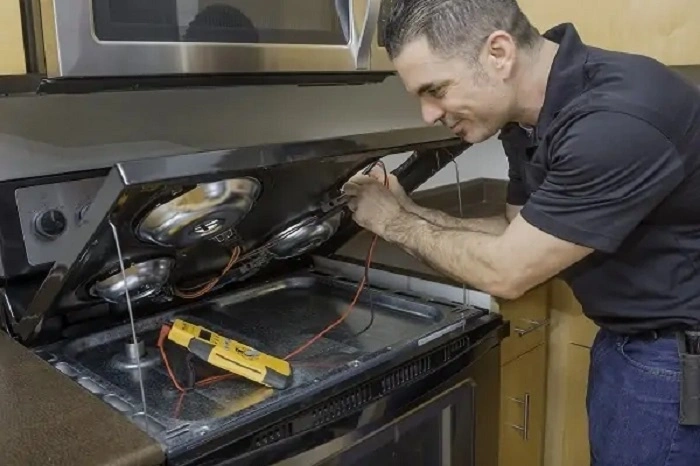
If just one burner isn’t working, the problem may be limited to that specific zone.
Try the following steps:
- Test another burner to see if it works.
- Swap your cookware to rule out the pan itself.
- If the other zones are working, the issue may be with the burner’s heating element or control switch.
This can be an electrical or sensor-related fault and might require professional repair.
Thermal Fuse or Control Board Failure
If none of the above steps work and the cooktop remains completely unresponsive, it could be a blown thermal fuse or a faulty control board.
A thermal fuse may blow due to overheating or a power surge, cutting off power to the cooktop to protect internal components. The control board, which manages all of the functions, may also fail due to age or electrical faults.
Both of these components are not user-serviceable unless you are comfortable with electrical work. It’s best to contact a certified technician for diagnosis and repair.
When to Call Samsung Support
If your cooktop is still under warranty, or you’ve gone through these steps without success, it’s time to reach out to Samsung support or a licensed appliance technician.
Have the following info ready:
- Model number and serial number (usually found underneath or on the side).
- Proof of purchase, if possible.
- A list of steps you’ve tried.
Samsung’s support team can help arrange service or provide next steps based on your specific issue and model.
A Samsung cooktop that won’t turn on can be a serious inconvenience, but many problems stem from simple issues like a tripped breaker, locked control panel, or dirty touchpad. Start with basic checks before assuming the worst, and don’t hesitate to contact support if needed. With the right approach, you can often restore your cooktop without the stress of a costly repair.